Test Coverage
The test coverage capability shows the linkage between requirements and test cases for a selected sprint or release.
Purpose
Identify requirements that are not linked to test cases
Evaluate the completeness of requirement-to-test coverage
Output
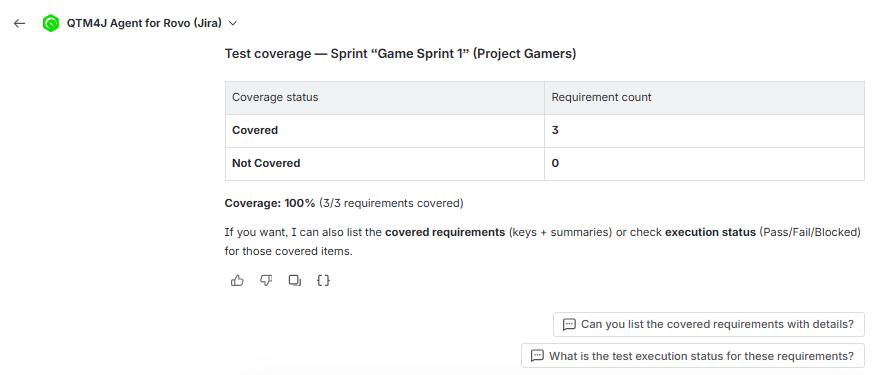
Coverage summary (covered and uncovered requirements)
Coverage percentages
Suggested follow-up queries
Note
Coverage can only serve as a confirmation of linkage. Execution readiness depends on execution status, not linkage alone.
Coverage does not confirm that an execution is complete. Use a follow-up question to verify whether linked test cases were executed.
Use Test Coverage Skill
Perform the following steps to use the test coverage skill:
Click Ask Rovo on any Jira page (for example, a Jira Story page or a QTM4J page).
Click Rovo.
In the agent selector, search for “QTM4J” and select QTM4J Agent for Rovo.
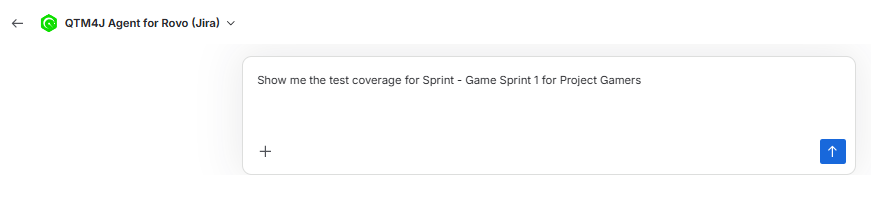
Enter a request such as “Show me the test coverage for Sprint - <sprint_name> for Project <space_name>.”
Check the results and review the coverage summary for covered and uncovered requirements.
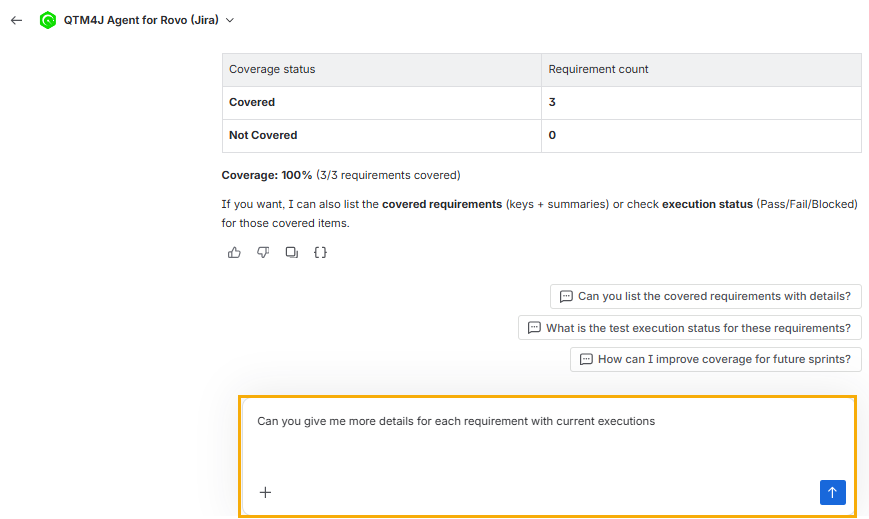
Ask a follow-up question to drill down into the requirement details.
Check the result of the follow-up question.
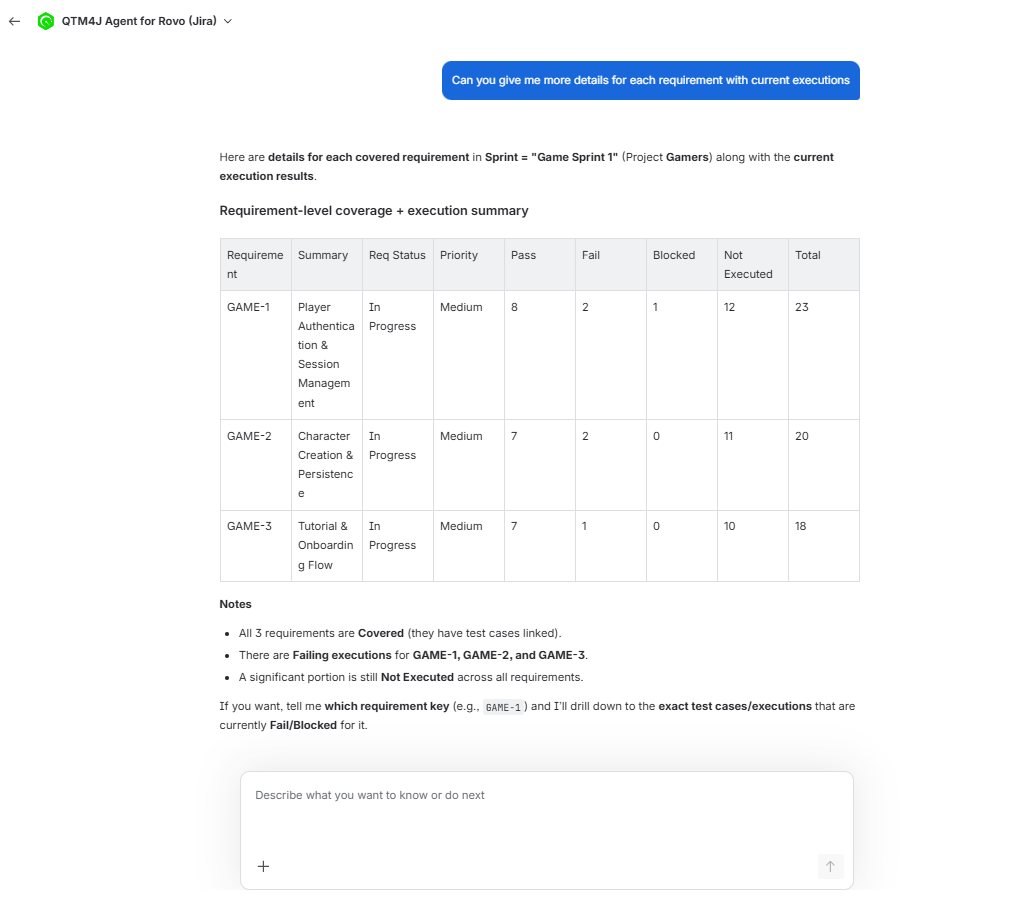
Drill Down Output
When you ask follow-up questions, the skill can return:
Requirement keys for covered requirements
Requirement keys for uncovered requirements
Linkage status between requirements and test cases
When you ask about execution status, the skill retrieves the execution summary for each requirement and returns counts for system and custom execution results.