QMetry Open API
Note
The Open API documentation for QTM4J Cloud has been migrated from Apiary to Swagger Portal, following Apiary’s end-of-life announcement. Refer to the QMetry REST API Swagger Portal for the latest specifications.
The document provides all the details a developer needs for each supported API call, along with code samples. The Headers, Body, and Response provided here are for your reference only. You can use tools like Postman to try these APIs.
Note
All Open API responses will correspond to the UTC time zone unless a particular timezone value is supplied in the timeZone header.
Overview of QMetry for Jira Open API Documentation
Go to the QMetry REST API to view and try all APIs.
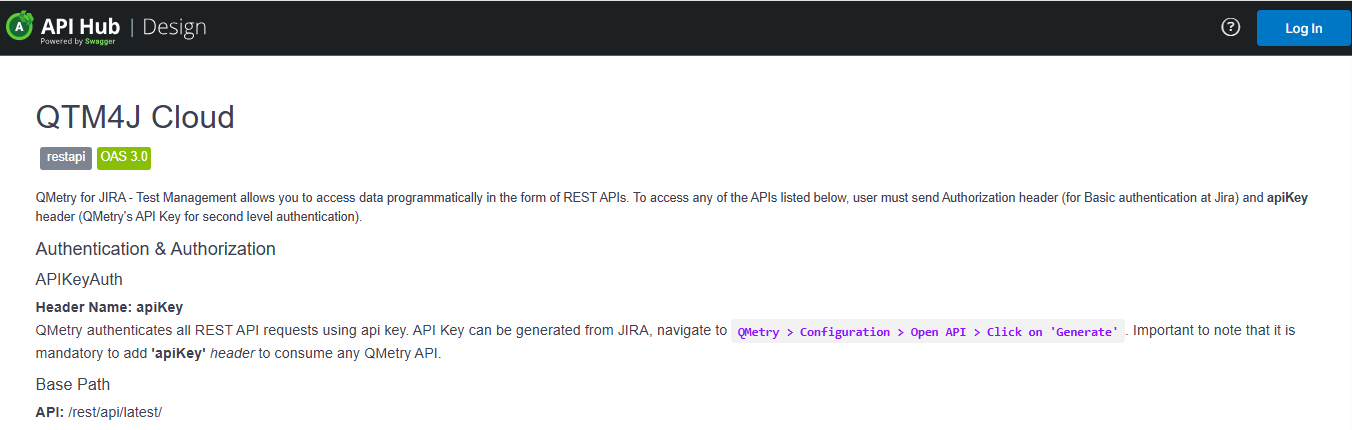
Benefits of using the QMetry API tool
You get a live instance to test your API; you do not need a separate testing tool to test the APIs.
Headers and Parameters are predefined, provide the API key, and trigger the testing.
You can get the output in multiple languages of your preference.
Authentication
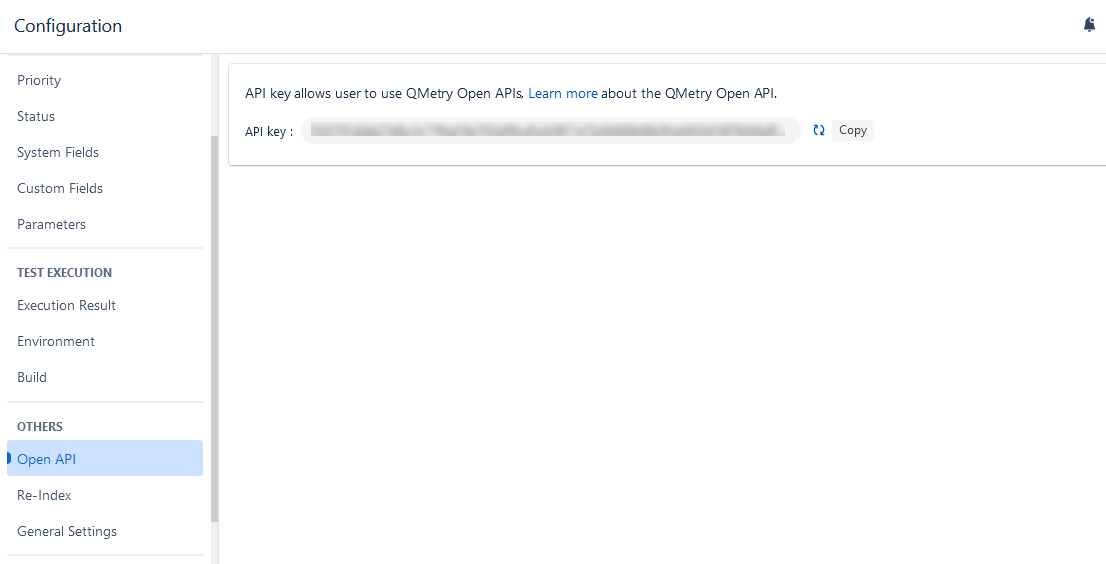
QMetry authenticates all the REST API requests using api key. You can generate an API Key from Jira. Go to QMetry > Configuration > Open API. Refer to Open API Key for the detailed steps.
Grouping of APIs
You can see the groups of APIs listed on the screen. Just expand the section you want to view and use the APIs in it. The section is expanded, showing APIs under it.
To access an example of a particular API, click it.
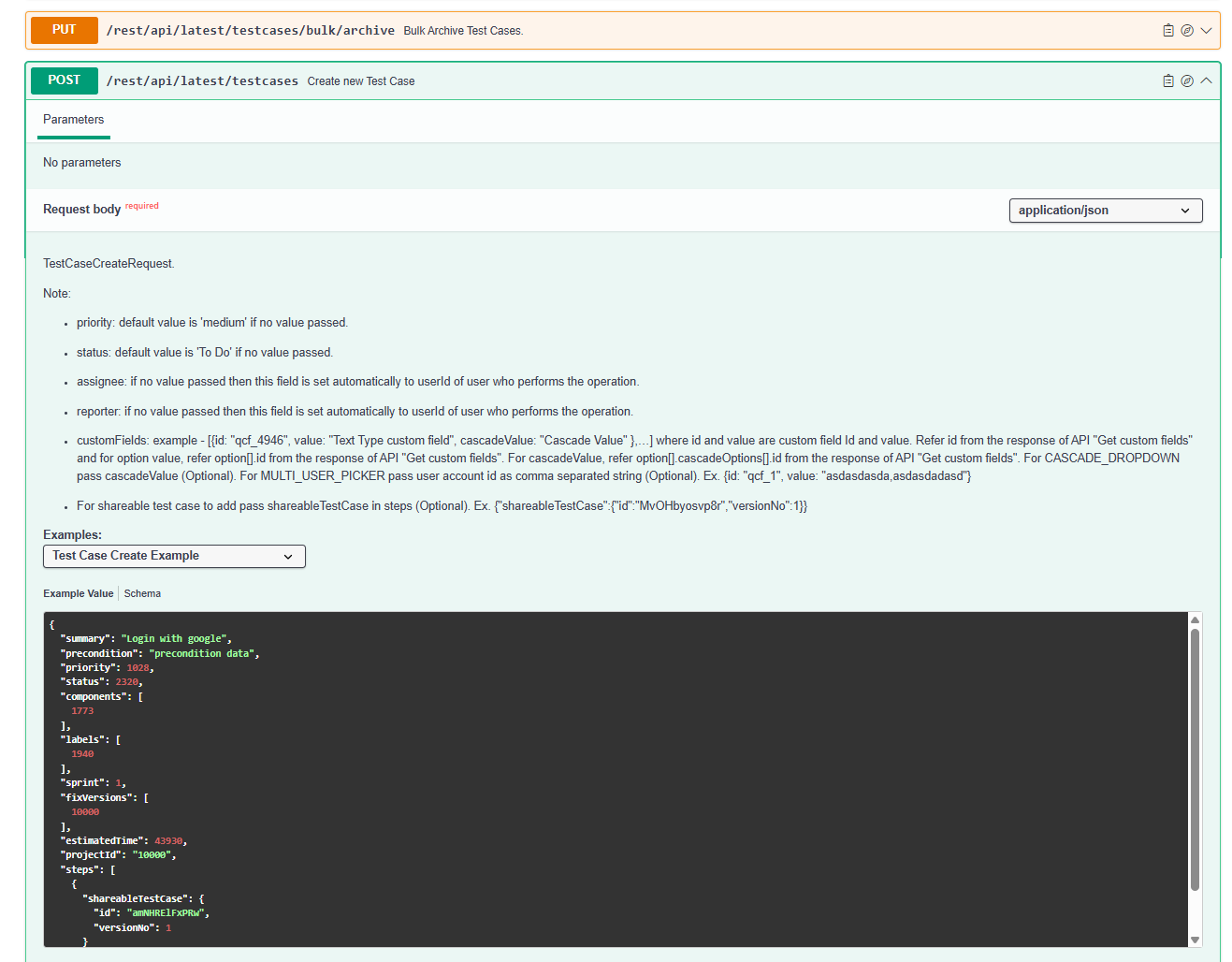
For example, you want to use the Create new Test Case API. Perform the following steps:
Expand the Test Case API group.
Expand the Create New Test Case API.
It displays relevant examples.