Release Readiness
The Release readiness capability evaluates the readiness of a sprint or fix version by calculating a composite score based on key quality indicators. It provides a quantitative score with supporting insights to assess release status.
Input Requirements
You can specify:
Sprint name (for example, RA Sprint 1)
Fix version (if applicable)
Space key (required if context is not inferred)
Output
The Release Readiness capability returns:
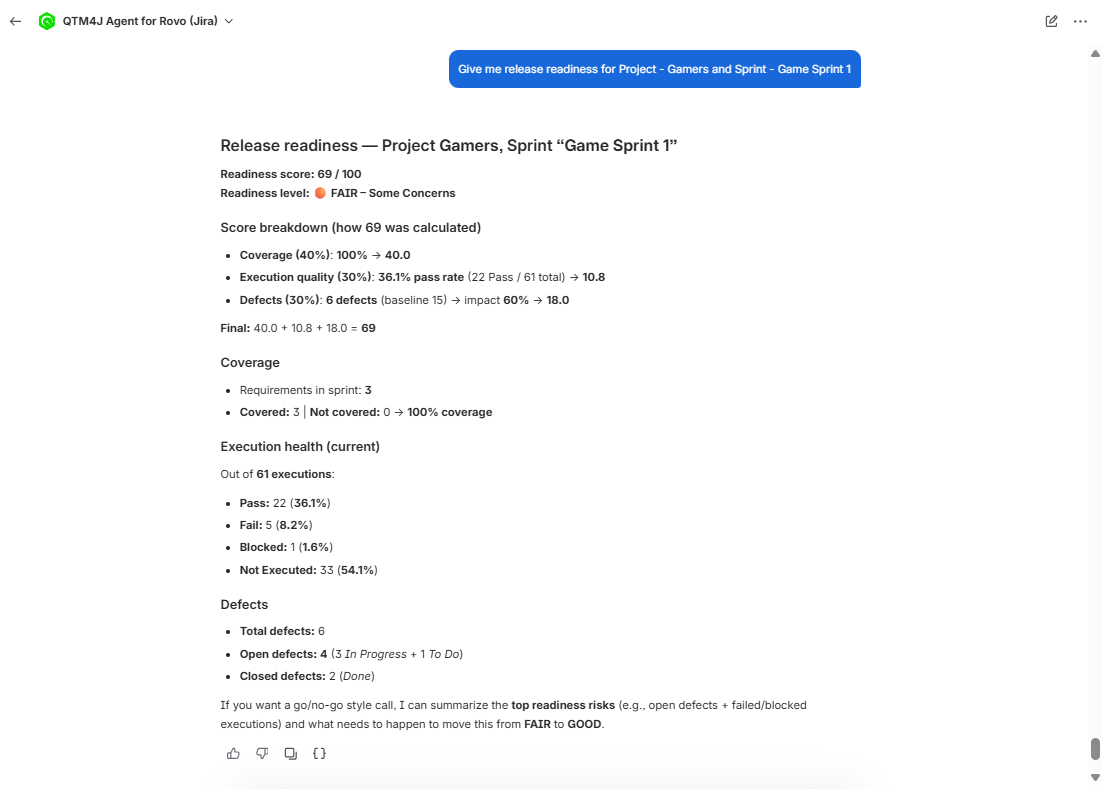
Readiness score (for example, 56/100)
Qualitative status: Poor, Average, or Good to go
Score breakdown across the following dimensions:
Coverage
Execution Quality
Defect Impact
Identified risk indicators (for example, uncovered requirements, low pass rate)
Suggested follow-up queries
Scoring Model
The readiness score is calculated using weighted contributions from three dimensions:
Coverage: 40%
Execution Quality: 30%
Defect Impact:30%
You can override weights in the query. The system recalculates the score based on the specified configuration.
Use Release Readiness Skill
Perform the following steps to use the release readiness skill:
Click Ask Rovo from any Jira page (for example, a Jira Story page or a QTM4J page).
Click Rovo.
In the agent selector, search for "QTM4J" and select the QTM4J Agent for Rovo.
Enter a release readiness request, such as “Give me release readiness for sprint <space_name sprint>”.
Provide the space key if the space context is missing.
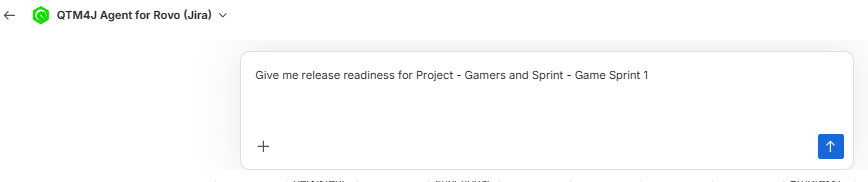
Review the generated readiness summary that includes readiness score, coverage status, execution quality metrics, and defect impact.
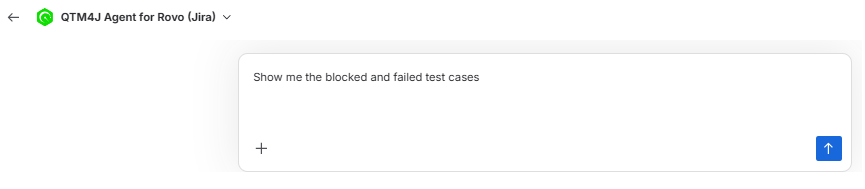
Enter follow-up questions to review results in more detail.
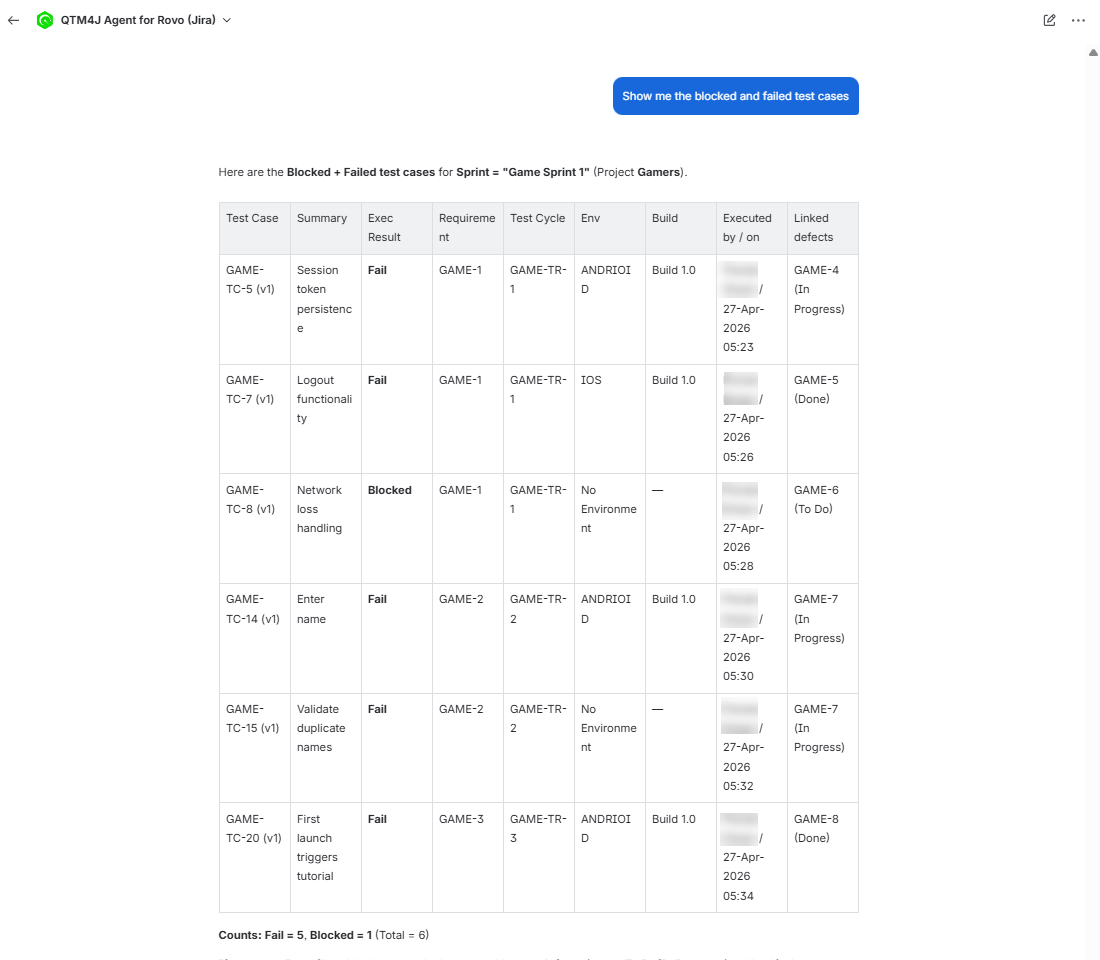
Review the generated result for the follow-up queries.